
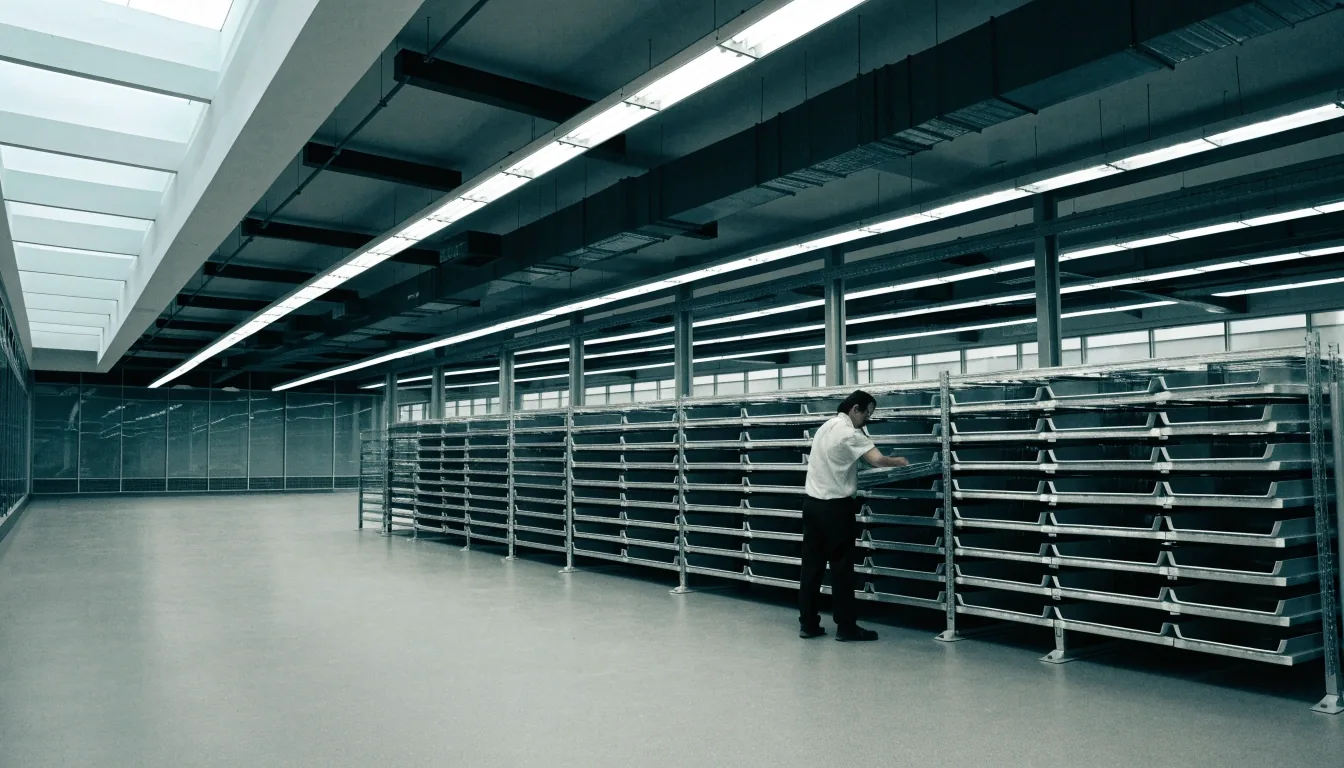
A steel tray rack against the wall of a daylight operations room, trays lip-lit by clerestory light

About Workoria

Daylight for the work your team already does

We are a small editorial desk in Seattle that explains management software in plain working terms — for owners, office managers, and team leads who need to compare tools without the sales pitch.

Who runs Workoria

A small desk in Seattle, not a software vendor

Workoria is a guide, not a store. We do not sell licenses, process payments, or act as support for any product we describe. The desk sits at 77 Oak Street, Floor 4, Seattle, WA 98101, and reaches visitors at [email protected] and +1-206-552-0986.

Publisher of record

Every page names its publisher

The site names who stands behind the words on every page — domain, address, and contact details kept consistent across the catalog. If you ever see a mismatch between workoria.digital and the details printed here, tell us. Fixing that is a five-minute job and it keeps the guide trustworthy.

Domain
workoria.digital
Address
Seattle, WA 98101
Desk
Mon–Fri 9–6 PT
Who writes here

Editors, not account managers

The people writing this guide work in the office the address belongs to. None of us carries a quota. Nobody on the team is paid by a vendor to place a page higher in the catalog.

That arrangement is dull on purpose. It is the reason a short list stays honest.

Remit

Explanation and upkeep

Compare, explain, and maintain guidance. Nothing else.

For product help, use the vendor's own support. For guide feedback, use ours.

Workoria is an educational guide, and the site keeps the same voice wherever it travels: the same desk, the same domain, the same contact set. That is how a reader confirms they are still in the right place.

The scope of the guide

Why we started with eight tools

Owners kept telling us the same thing: six logins, and deadlines still slipped. Effort was rarely the missing piece — scattered records were, spread across docs, chat, sheets, and invoices.

Workoria answers that with fewer, better-connected choices. Eight widely used tools, grouped by the job they actually do, with notes on the integrations and the adoption habits a small team has to keep. A short list is easier to keep accurate, and accuracy is the only thing that makes a comparison guide worth returning to.

We focus on the patterns that repeat across trades and agencies — intake to schedule, schedule to delivery, delivery to invoice. When each handoff has an owner and a date, small teams move faster without adding headcount.

How we research without hype

Read the docs, then translate them

We read vendor descriptions, help centers, and integration directories, then turn what we find into setup steps a team can actually follow on a Monday morning.

The criterion that drives a page is always the same: what holds up after six months of ordinary use, not what reads well on a launch-day landing page. That question pulls the research in useful directions and pushes the noise out.

Connections we verify

We check which stacks a tool connects to — QuickBooks, Google Workspace, Slack, and Microsoft 365 come up most often in US service shops — because a tool that refuses to talk to the ones you already run is a tax on every week.

Where a connection is documented but limited, we say so instead of rounding it up to "works with everything".

Growth room and exit paths

Two questions decide whether a small team regrets its choice a year later: does the tool still fit at double the headcount, and can you get your data out if it does not?

Every category page names the export path it can document. Where we cannot confirm one, we say that plainly.

Admin load

Every tool brings a small weekly chore: seat changes, permission reviews, an integration that quietly stops syncing. We note the ones we can see, because that is what an office manager actually spends Friday afternoon on.

No superlatives, no "best", "fastest", or "cheapest" labels, no invented scores. If a fact is not verified, it stays out of the page.

The lower corner of a whiteboard and a standing desk edge in cool daylight

The weekly board in the room where the pages get written. Marks on it stay unreadable on purpose — the notes that matter end up in the guide.

Editorial upkeep from Seattle

Maintenance is part of the product

We review pages when navigation, terminology, or integration lists change. Corrections from readers go to the same desk that writes the pages — send a note to [email protected] with the page path and what looks off, and it lands on a real to-do list.

  • Salesforce Starter Suite — pipeline and contact records

    CRM & Sales
  • Google Workspace — documents, mail, and shared drive

    Collaboration
  • Pipedrive — deals moving visibly between stages

    CRM & Sales
  • Smartsheet — dashboards, schedules, and automation

    Projects
  • Clockify — hours logged against real work

    Time & Finance
  • Slack — channels that stay readable at forty people

    Collaboration
  • Basecamp — project rooms anchored on real deadlines

    Projects
  • Wave — starter invoicing and bookkeeping for small teams

    Time & Finance

What we revise

Navigation changes, renamed features, new or retired integrations, and the vendor pages that quietly shift wording under a small team's feet.

How we revise

We edit the affected page and note the update context on that page, so a returning reader can see what moved and why.

How to flag an error

Send the page path and what looks off to [email protected]. We read every message at the Seattle desk; corrections get priority.

What we do not do

A guide with no shop behind it

We do not sell software, process payments, or act as support for the tools we describe. We do not collect card details, and we do not install anything on your machine. For product help, use the vendor's own support; for feedback about the guide, use our contact page.

We also do not publish testimonials, reviews, or before-and-after claims. If we ever cite reader feedback, we will show the exact record with provenance. Until then, expect explanation, not endorsement — the page carries the words of the desk, and nothing else.

That posture is narrow, and it is deliberate. A comparison site is only as useful as the trust it has earned on a second visit, and a second visit only arrives when the first one did not oversell.

Our promise of clarity

One business, one domain, one contact set

Workoria.digital is the address you see in search and on site. Content sits in the page's own HTML so readers and crawlers see the same words.

No scripts required to read. No navigation tricks. No borrowed brand names. If any of that ever stops being true, treat the page as broken and write to us at [email protected].

Suggest a topic

Missing workflow or confusing comparison?

Use the contact page to propose it. Include your team size, current stack, and the decision you face. We prioritize topics that help many readers — onboarding checklists and integration tests come up often.

The desk

77 Oak Street, Floor 4
Seattle, WA 98101

Mon–Fri: 9:00 AM – 6:00 PM

+1-206-552-0986 · [email protected]